Click Toggle
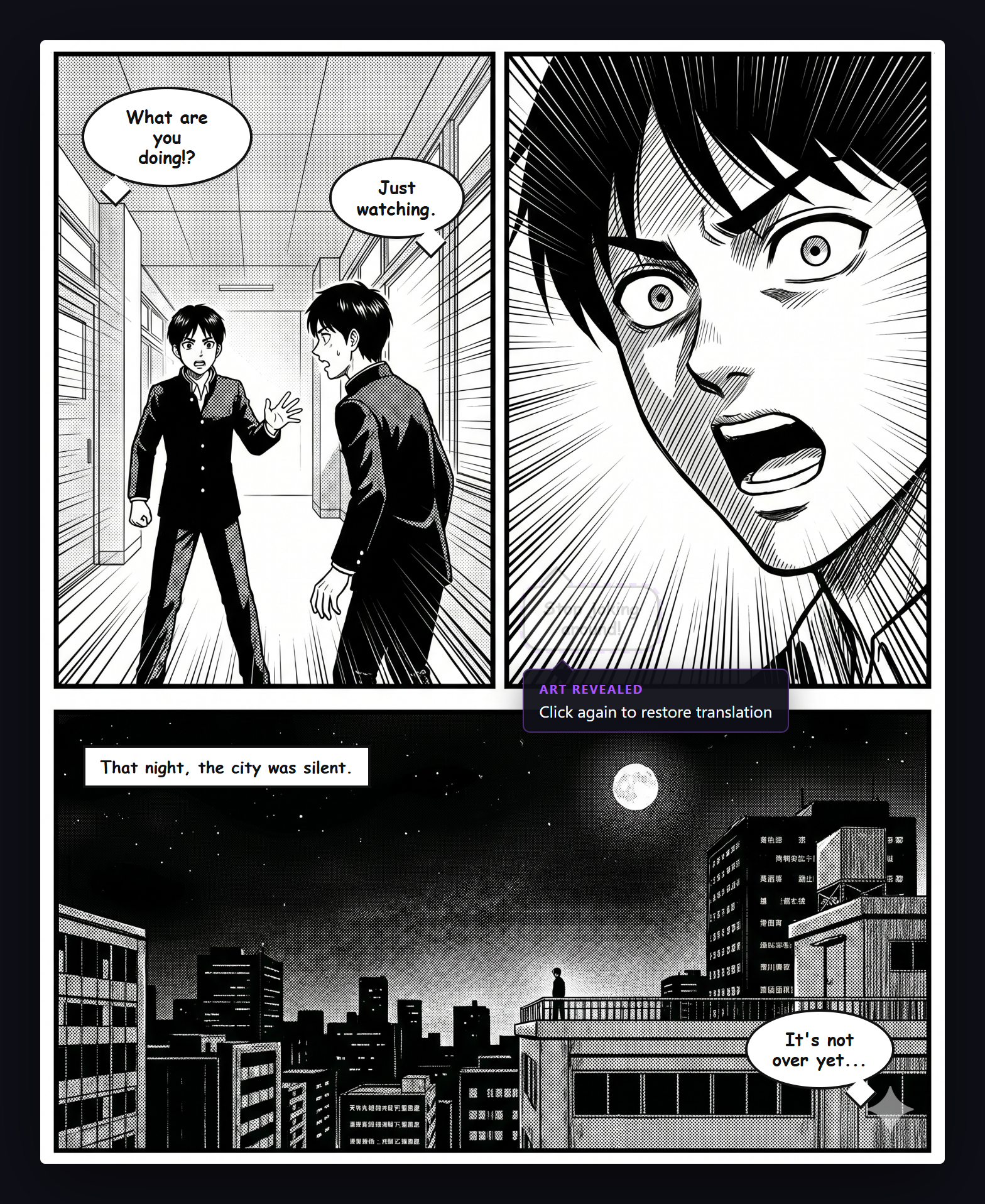
Click any translated bubble to hide the translation and see the original art. Click again to restore it.
Show or Hide Individual Translations
Click on any translated bubble to hide the translation overlay, revealing the original manga art underneath. Click again to show the translation. Each bubble toggles independently.
Enabling
"Click-to-toggle bubble" is enabled by default. Toggle it in the General tab.
Use Cases
- Quickly check the original art behind a translation
- Keep certain bubbles in the original language for study
- Temporarily hide translations you have already read