Save & Export
Save translated manga pages as images for offline reading or archiving.
Auto-Save
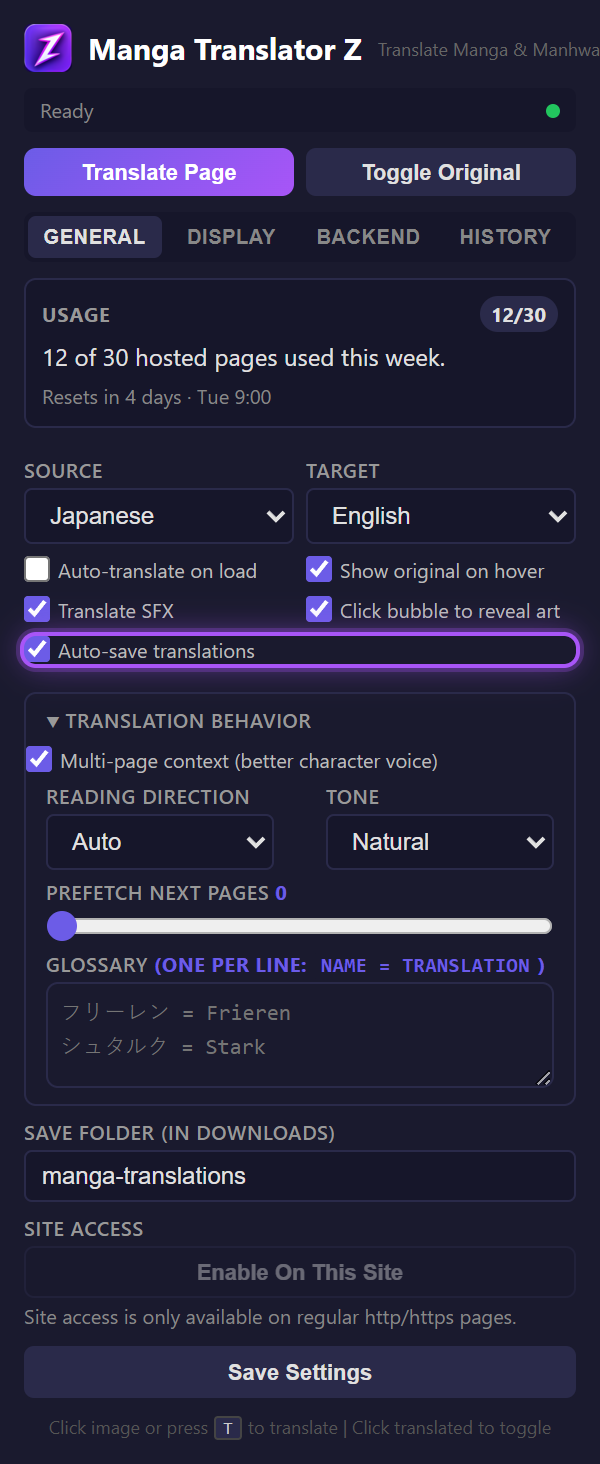
When enabled in the General tab, every translated page is automatically saved as a JPEG to your Downloads folder. Configure the save folder name in the settings to organize by manga title.
Manual Save
Press Shift+S on any translated page to composite the original image and overlay canvas into a single PNG and download it immediately.
Save Quality
| Method | Format | Quality |
|---|---|---|
| Auto-save | JPEG | Smaller file size |
| Manual (Shift+S) | PNG | Lossless, higher quality |
Keyboard Shortcuts
| Shortcut | Action |
|---|---|
| T | Translate current page (or hovered image) |
| Shift+S | Save translated page as PNG |
| Escape | Cancel in-progress translation |