Translation Modes
Two display modes control how the translation sits on the page. The backend you pick also affects how the final pixels are produced.
Display modes (Display tab)
The Display mode selector in the popup has two options:
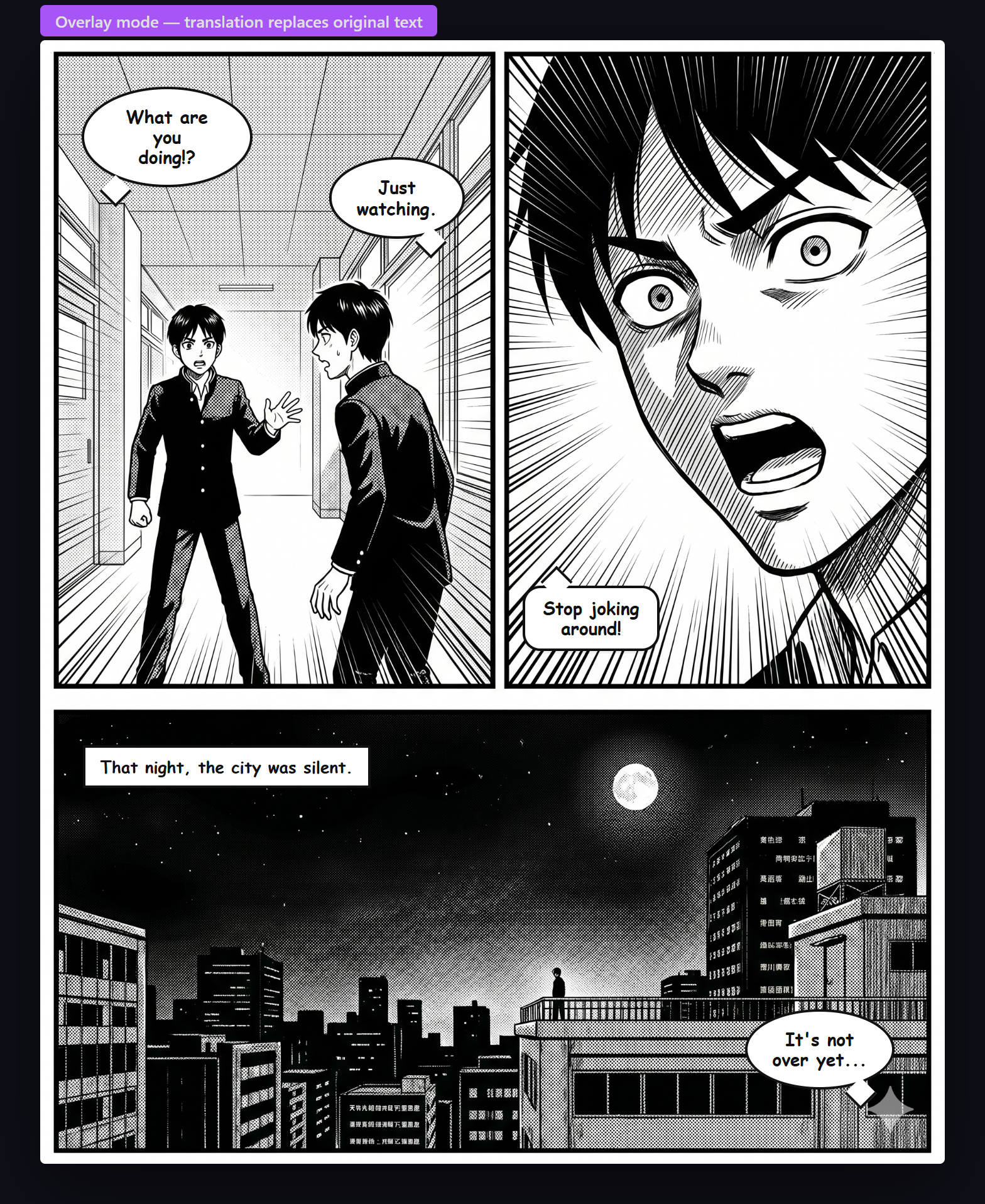
Overlay (default)
Translated text is rendered in bubbles that sit directly over the original image. The original manga art stays completely untouched underneath, so you can always hover or click to see the original.
- Font size auto-adjusts to fit each bubble
- Supports hover-to-see-original and click-to-toggle
- Fastest visual result — no full-image redraw
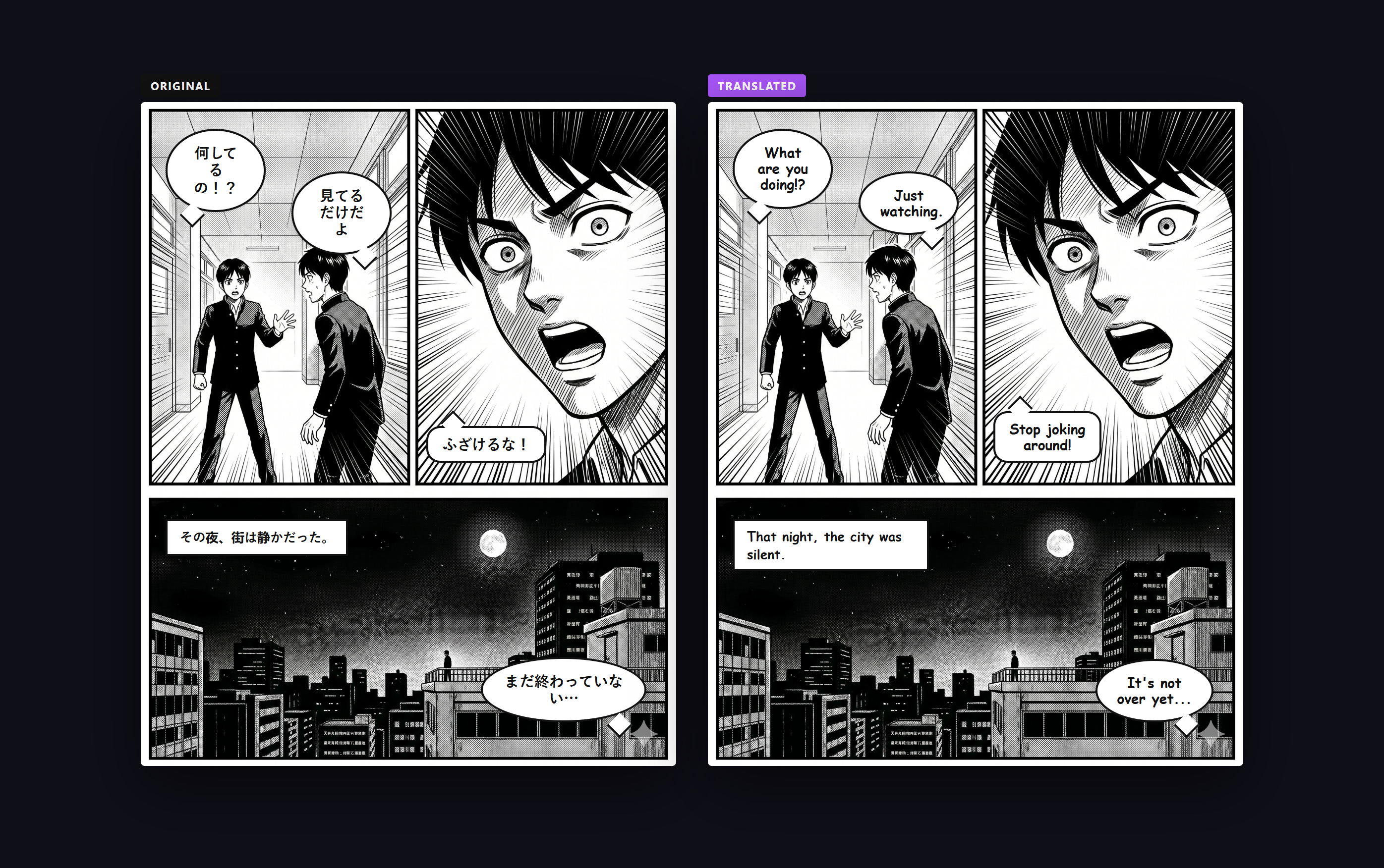
Side-by-Side
Creates a flex wrapper with the original image and the translated version side by side, each at 50% width. Ideal when you want to compare the original text and the translation at the same time — great for language learning.
Backend render styles
Separately from the display mode, each backend produces its translated output in a different way:
| Backend | What the extension shows | Notes |
|---|---|---|
| Hosted Server (default) | Full image swap — the server inpaints over the original text and returns a fully translated image | Cleanest visual result; click-toggle restores the original image |
| OpenAI Vision (BYOK) | Canvas overlays drawn on top of the untouched art | Original pixels preserved; instant click-to-toggle |
| Ollama (local) | Canvas overlays drawn on top of the untouched art | Same as OpenAI — runs entirely offline |
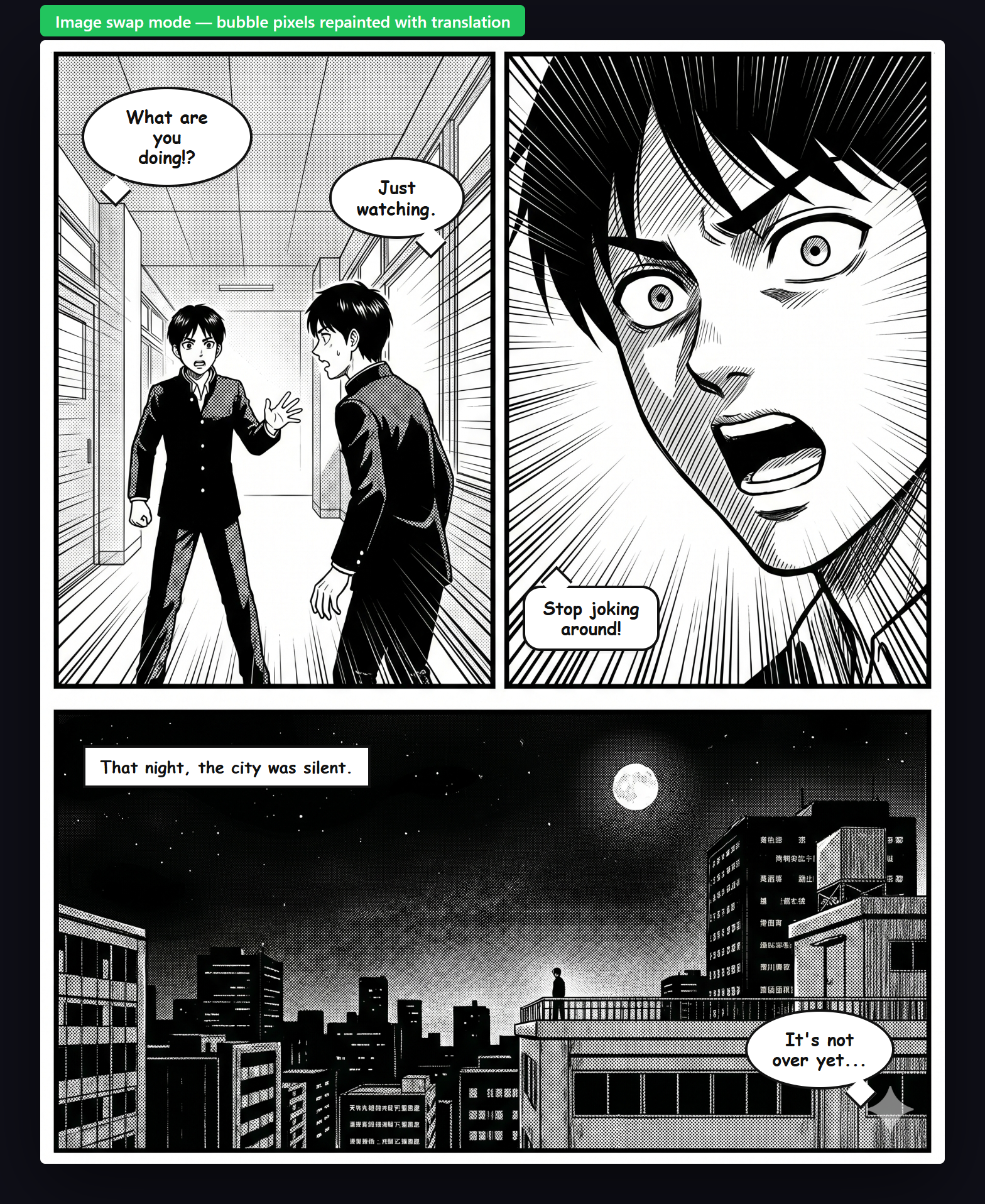
Leave everything on defaults. You'll get the Hosted Server backend with Overlay display — clean, fast, and requires no setup.